Showing posts with label documentation. Show all posts

September 22, 2016

IBM Doc Buddy now has Linux and z/VM messages


IBM Doc Buddy start screen
IBM Doc Buddy is a mobile app that allows for retrieving explanation on IBM z error message codes. Now you can also get Linux and z/VM messages offline explained with this app.
You can get the application from Apples Appstore or from Google Play, depending on the mobile device you use.

The information is the same as in the books (note that Ubuntu and Red Hat don't have included the message numbers yet):
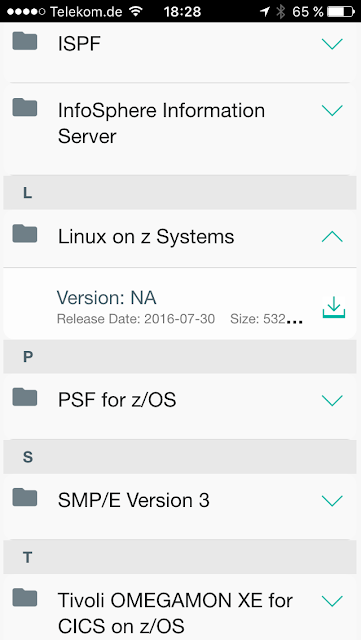
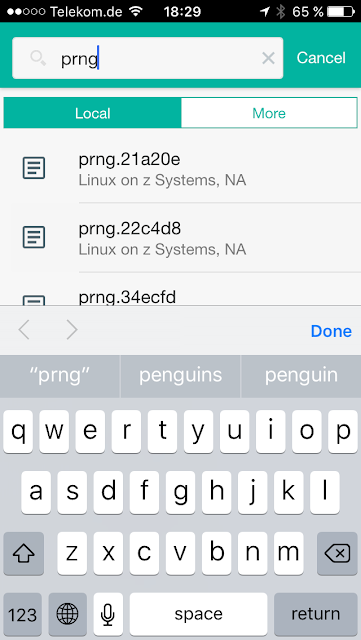
You first have to download the messages for the "component" you want. To do that touch the button in the upper left corner and then select the respective component. Then you can start typing into the search field and select the message of interest:
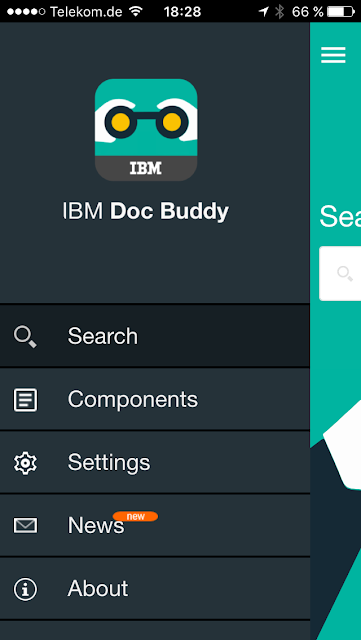
IBM Doc Buddy - setup screen
Setup screen

IBM Doc Buddy - Add component
Select component

IBM Doc Buddy - Search
search

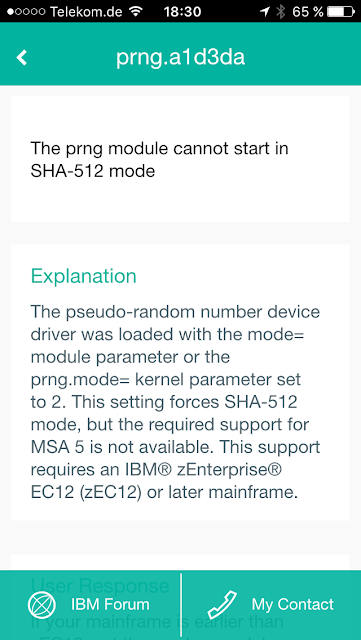
IBM Doc Buddy - example result
Get result (can be scrolled!!)


November 18, 2013

Raw ECKD access from zLinux

Since a while the Linux DASD driver has been enhanced to access full ECKD tracks. Basically the following steps are needed:
  1. Take the device offline from other System z operating systems
  2. get the device online in zLinux 
  3. switch the device in raw ECKD mode:
    echo 1 > /sys/bus/ccw/devices/<device ID>/raw_track_access
  4. use a program that reads and writes whole tracks (64k) with direct IO like a dd with the respective flags to read or write
More details can be found in the chapter about the DASD driver (search for "raw_track_access") in the "Device Drivers, Features, and Commands" book for the respective distributions, e.g.
This book is really recommended as a reference.